Ihr Foto. Ihre Idee.

Online-Fotoeditor mit KI

Laden Sie ein Foto hoch und beschreiben Sie die gewünschte Änderung. Mit unserem KI-Fotoeditor können Sie direkt im Browser eine andere Umgebung ausprobieren, einen Look anpassen oder einen neuen Stil testen.

KI-Fotoeditor testen

Kostenlos testen, ohne Registrierung.

Kreatives Kaffeeposter mit einem Cappuccino auf einer sonnigen Küstenterrasse und dem Schriftzug Brew a little JOY
Ein wenig Vorstellungskraft. Ein völlig neuer Look.

Fotobearbeitung erstellen

Laden Sie ein Bild hoch, beschreiben Sie die gewünschte Änderung und sehen Sie sich das KI-bearbeitete Ergebnis an.

Ein Bild hochladen

Klicken zum Hochladen oder Drag & Drop

Modell
Seitenverhältnis
?
History images only saves one day
Creative portrait poster of a woman in a cobalt blazer with Make it YOURS lettering

So bearbeiten Sie Fotos mit KI

Ein Bild, eine klare Anweisung und ein genauer Blick auf das Ergebnis.

  1. Foto hinzufügen

    Klicken Sie auf den Upload-Bereich oder ziehen Sie ein Foto hinein. Verwenden Sie ein klares JPG-, PNG- oder WebP-Bild, das Sie verwenden dürfen. Der Editor verarbeitet jeweils ein hochgeladenes Bild.

  2. Änderung beschreiben

    Sagen Sie, was geändert und was beibehalten werden soll. Wählen Sie Standard oder nano-banana und ein Seitenverhältnis oder lassen Sie Default aktiviert, um die Größe des Ausgangsbildes zu übernehmen.

  3. Erstellen und prüfen

    Wählen Sie „Erstellen“. Gäste müssen möglicherweise eine Verifizierung abschließen. Prüfen Sie Gesichter, Schriftzüge, Kanten und kleine Details und verfeinern Sie bei Bedarf Ihren Prompt.

  4. Bild herunterladen

    Öffnen Sie das fertige Ergebnis und wählen Sie „Herunterladen“. Speichern Sie eine Kopie möglichst bald: Kürzlich erstellte Aufgaben bleiben einen Tag im Verlauf dieses Browsers erhalten.

An AI image editor that starts with your words

Describe the edit in everyday language. These ideas show how to make your instructions more specific.

These original AI-generated images illustrate creative directions. They are not tests of this editor; your results will vary.

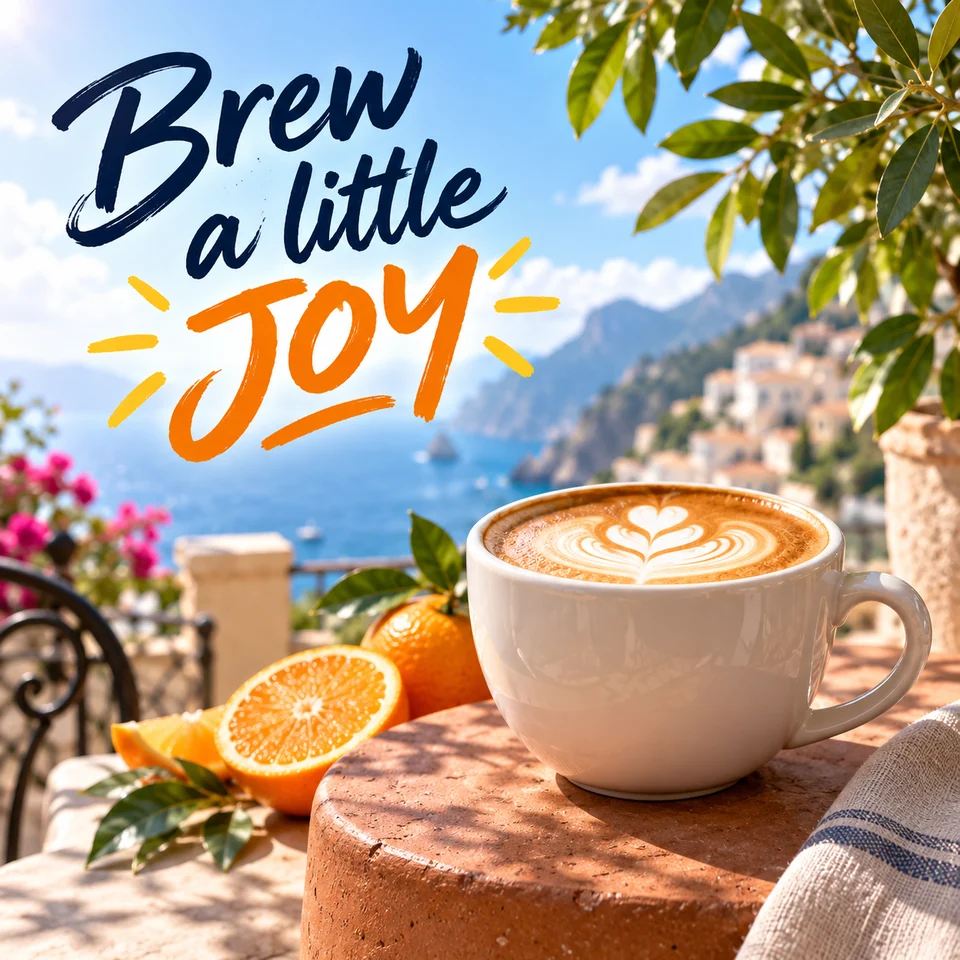
Creative coffee poster with a cappuccino on a sunny coastal terrace and the lettering Brew a little JOY

Give everyday photos a creative twist

Turn a product photo into a colorful campaign concept. Describe a new setting, a mood, and a short headline to bring the whole idea together.

A prompt to try

“Place this cappuccino on a sunny coastal café terrace. Keep the white cup and latte art. Add navy brush lettering “Brew a little” and orange “JOY” in the open sky.”

What to check: Review the lettering, cup shape, and lighting. Keep text clear of the subject and check every word before sharing.

Try this kind of edit
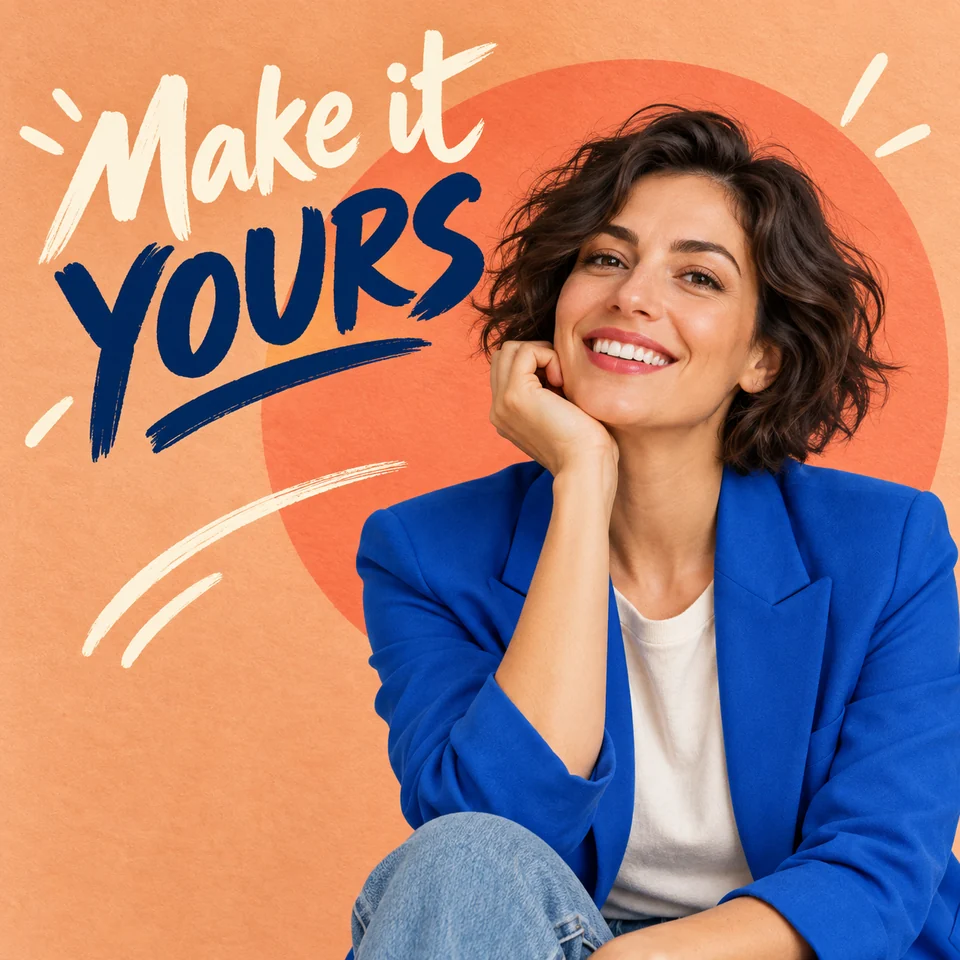
Creative portrait poster of a woman in a cobalt blazer against a peach backdrop with Make it YOURS lettering

Make a portrait feel like a poster

Explore a bold new look with expressive colors, graphic shapes, and handwritten text. Describe the clothing and background while keeping the person at the heart of the image.

A prompt to try

“Style this portrait with a cobalt blazer, a peach background, and a coral circle. Add “Make it YOURS” in expressive brush lettering beside the face. Preserve the person’s facial features.”

What to check: Compare the face, hands, and clothing with the original, then check spelling and make sure the headline leaves the face clear.

Try this kind of edit
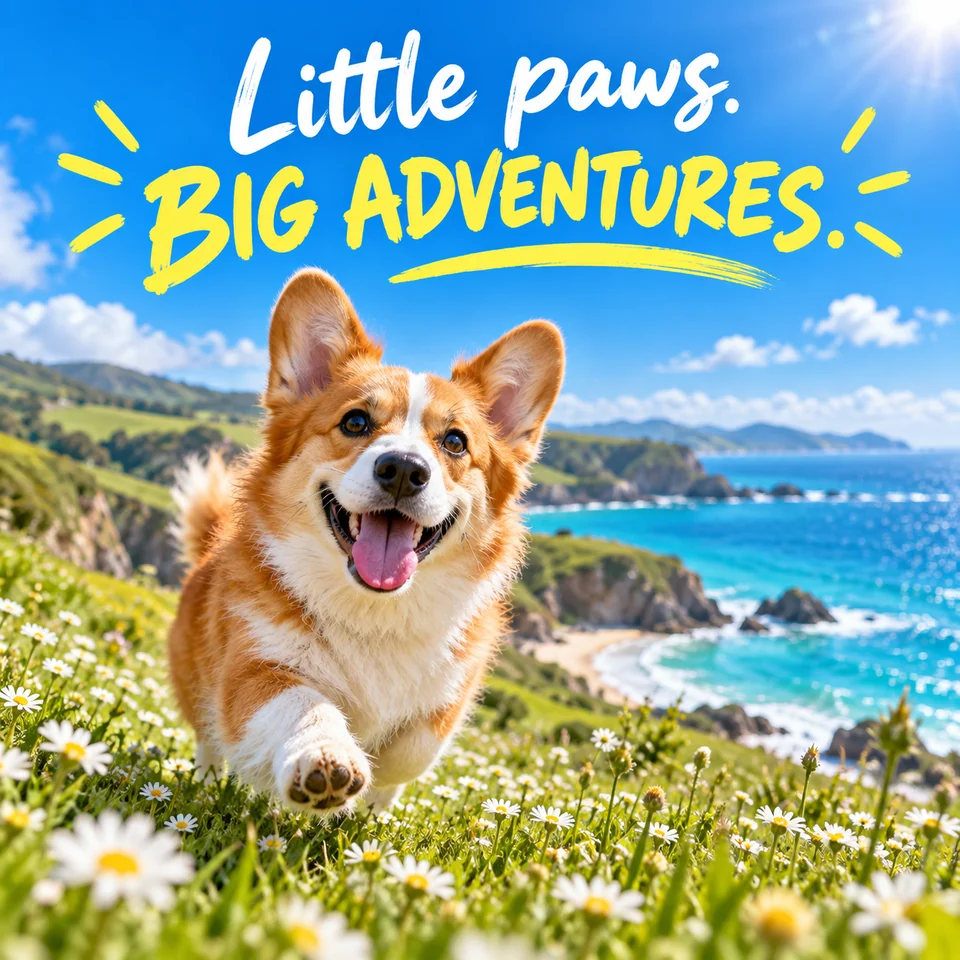
A happy corgi in a coastal daisy meadow beneath the creative headline Little paws. BIG ADVENTURES.

Turn a favorite moment into a story

Give a pet photo a fresh setting and a playful message. Try a sunny destination, a vibrant palette, and a few hand-drawn details for a personal card or social post.

A prompt to try

“Place this corgi in a seaside meadow of daisies under a blue sky. Add white “Little paws.” and yellow “BIG ADVENTURES.” lettering with playful sun rays. Keep the dog’s markings.”

What to check: Check the pet’s markings and proportions, the headline spelling, and how the composition looks at your chosen aspect ratio.

Try this kind of edit

Give your photo editing prompt a clear focus

Tell the model what to change, describe the result, and name the details to preserve. Start with a single edit and compare it with the original before trying another.

A prompt to try

“Replace the background with a plain white studio backdrop. Keep the product label, shape, and color unchanged.”

These are instructions for the model, not a guarantee that every detail will remain unchanged.

Name the subject

“The white coffee cup in the foreground” is more precise than “this.” Mention color, position, or another detail that identifies the subject.

Describe distractions

To request object removal, name the unwanted object and the background that should fill its place. This is prompt-based editing; there is no brush or mask selection.

Review before you publish

For product listings, check labels and materials. For social posts, check the crop. For portraits, compare facial features and ask the person’s permission.

Try AI photo editing for free

Start with a photo and see where your imagination takes it. Open the editor in your browser and try your first idea without signing up.

Free to try
Explore a new look for your photos with a simple prompt.
No sign-up needed
Jump straight into the editor and start creating.

AI photo editor FAQs

Getting started, creative prompts, and making the most of your photos.

Yes. You can try Vizea AI for free. Upload a photo, describe your idea, and start exploring.

Start with a photo. Make one clear change.

Try the online AI photo editor for free, no sign-up needed. Describe your idea, review the details, and download the image you want to keep.