Ваша фотография. Ваш замысел.

Онлайн-фоторедактор на базе ИИ

Загрузите фотографию и опишите, что хотите изменить. С помощью нашего фоторедактора на базе ИИ можно попробовать другую обстановку, изменить образ или выбрать новый стиль прямо в браузере.

Попробовать фоторедактор с ИИ

Можно попробовать бесплатно, без регистрации.

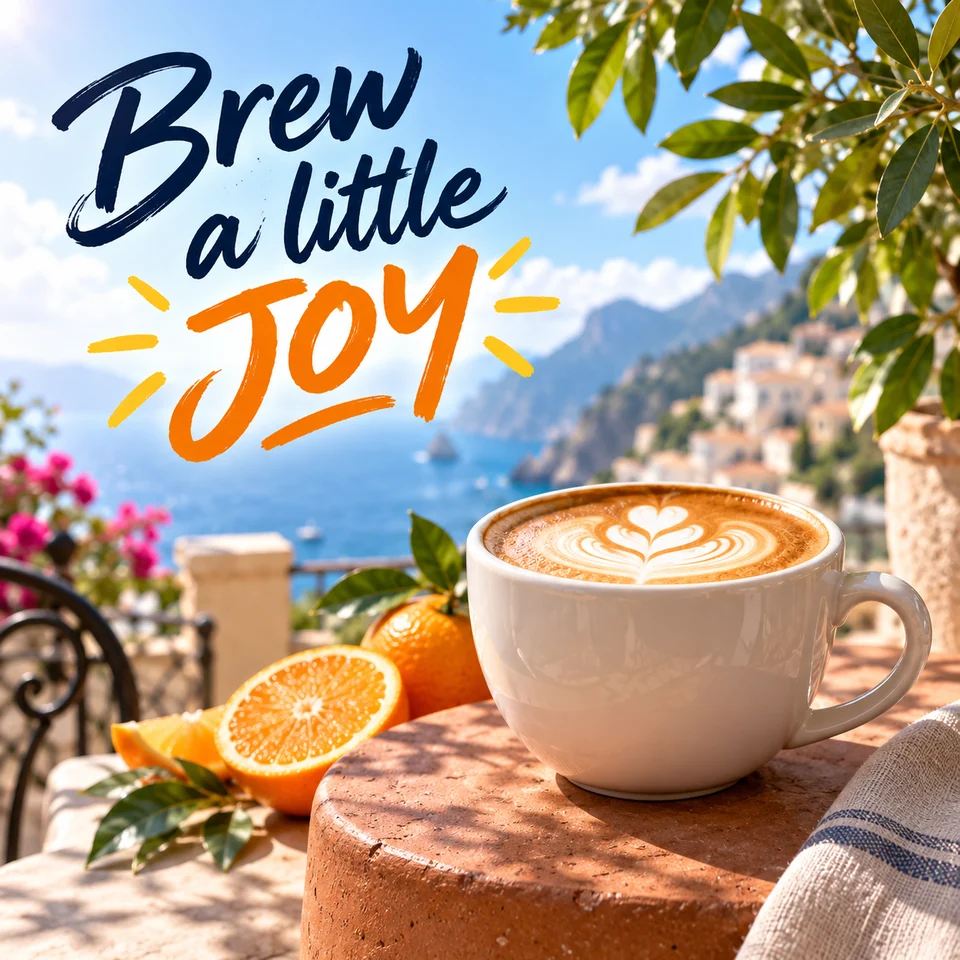
Креативный постер с капучино на солнечной террасе у моря и надписью Brew a little JOY
Немного воображения — и совершенно новый образ.

Отредактируйте фото

Загрузите изображение, опишите нужные изменения и просмотрите результат обработки с помощью ИИ.

Загрузите изображение

Нажмите для загрузки или перетащите

Модель
Соотношение сторон
?
History images only saves one day
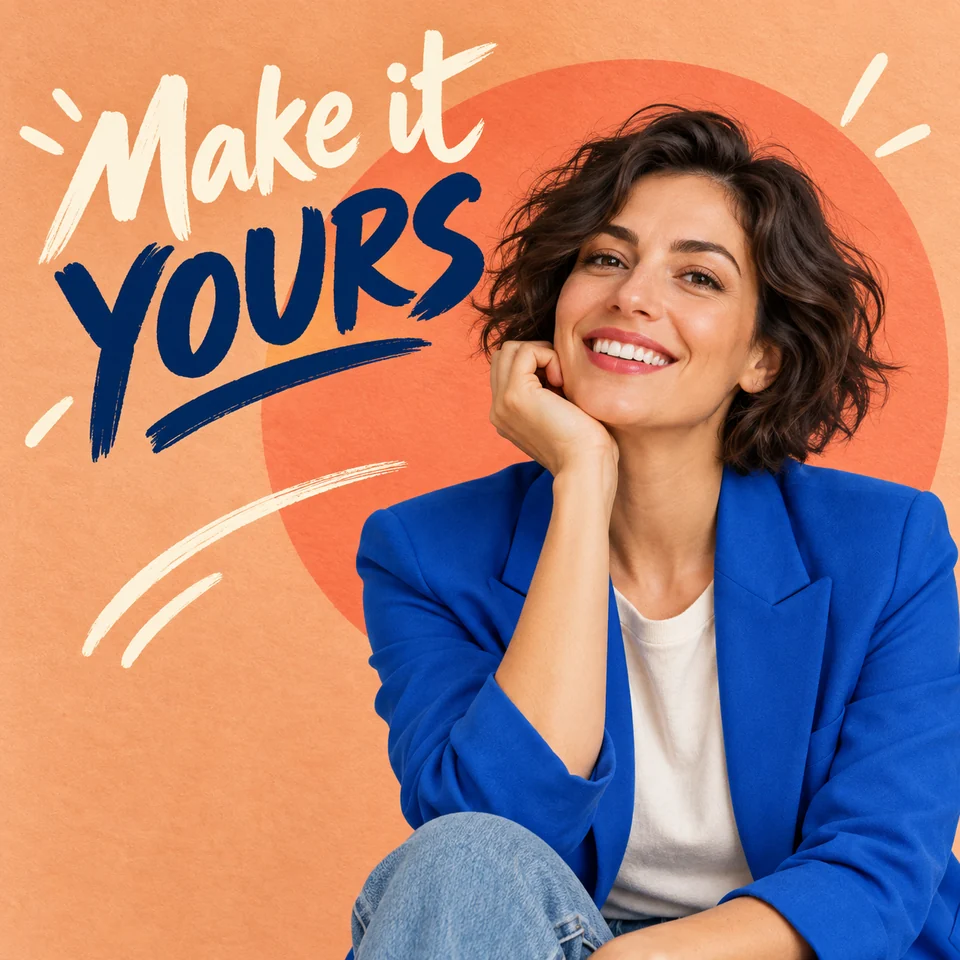
Creative portrait poster of a woman in a cobalt blazer with Make it YOURS lettering

Как редактировать фотографии с помощью ИИ

Одно изображение, понятная инструкция и внимательная проверка результата.

  1. Добавьте фотографию

    Нажмите на область загрузки или перетащите фотографию. Выберите чёткое изображение в формате JPG, PNG или WebP, которым вы имеете право пользоваться. Редактор работает с одним загруженным изображением за раз.

  2. Опишите изменение

    Укажите, что нужно изменить, а что сохранить. Выберите Standard или nano-banana и соотношение сторон либо оставьте Default, чтобы сохранить размер исходного изображения.

  3. Создайте и проверьте результат

    Нажмите «Создать». Гостям может потребоваться пройти проверку. Проверьте лица, надписи, края и мелкие детали, а при необходимости уточните запрос.

  4. Скачайте изображение

    Откройте готовый результат и нажмите «Скачать». Сохраните копию сразу: недавние задачи хранятся в истории этого браузера один день.

An AI image editor that starts with your words

Describe the edit in everyday language. These ideas show how to make your instructions more specific.

These original AI-generated images illustrate creative directions. They are not tests of this editor; your results will vary.

Creative coffee poster with a cappuccino on a sunny coastal terrace and the lettering Brew a little JOY

Give everyday photos a creative twist

Turn a product photo into a colorful campaign concept. Describe a new setting, a mood, and a short headline to bring the whole idea together.

A prompt to try

“Place this cappuccino on a sunny coastal café terrace. Keep the white cup and latte art. Add navy brush lettering “Brew a little” and orange “JOY” in the open sky.”

What to check: Review the lettering, cup shape, and lighting. Keep text clear of the subject and check every word before sharing.

Try this kind of edit
Creative portrait poster of a woman in a cobalt blazer against a peach backdrop with Make it YOURS lettering

Make a portrait feel like a poster

Explore a bold new look with expressive colors, graphic shapes, and handwritten text. Describe the clothing and background while keeping the person at the heart of the image.

A prompt to try

“Style this portrait with a cobalt blazer, a peach background, and a coral circle. Add “Make it YOURS” in expressive brush lettering beside the face. Preserve the person’s facial features.”

What to check: Compare the face, hands, and clothing with the original, then check spelling and make sure the headline leaves the face clear.

Try this kind of edit
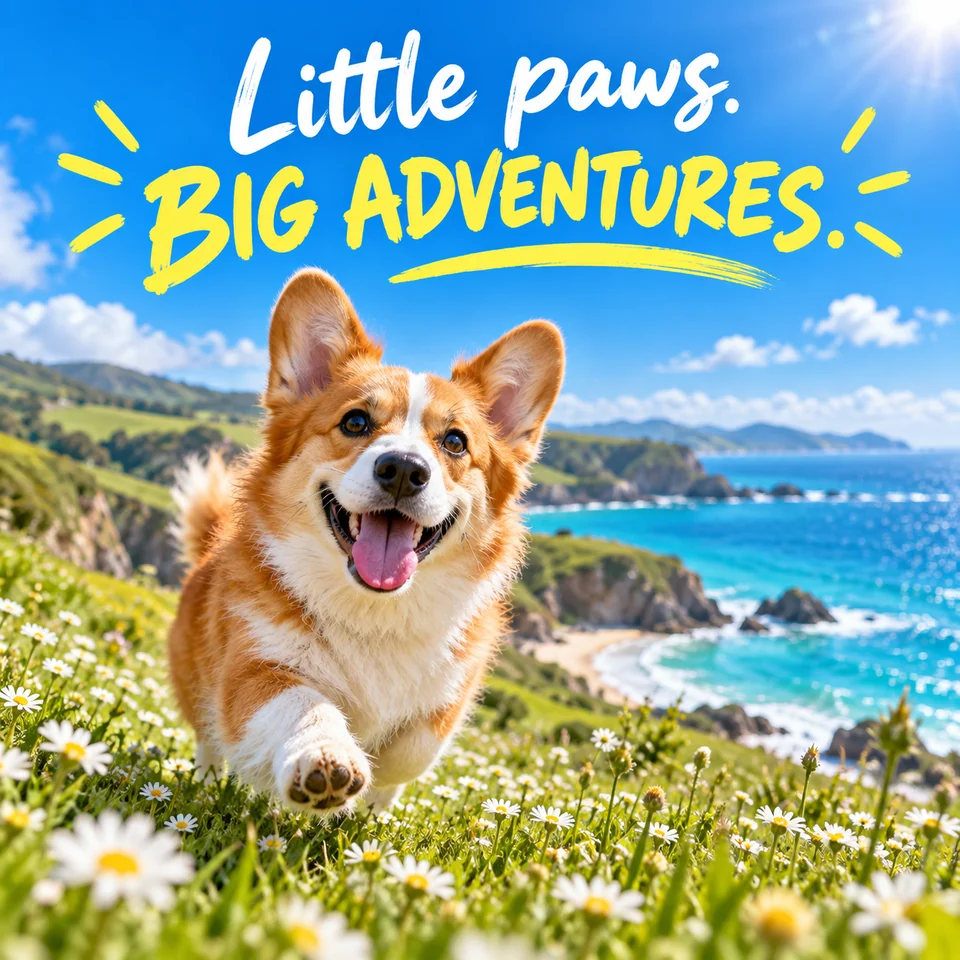
A happy corgi in a coastal daisy meadow beneath the creative headline Little paws. BIG ADVENTURES.

Turn a favorite moment into a story

Give a pet photo a fresh setting and a playful message. Try a sunny destination, a vibrant palette, and a few hand-drawn details for a personal card or social post.

A prompt to try

“Place this corgi in a seaside meadow of daisies under a blue sky. Add white “Little paws.” and yellow “BIG ADVENTURES.” lettering with playful sun rays. Keep the dog’s markings.”

What to check: Check the pet’s markings and proportions, the headline spelling, and how the composition looks at your chosen aspect ratio.

Try this kind of edit

Give your photo editing prompt a clear focus

Tell the model what to change, describe the result, and name the details to preserve. Start with a single edit and compare it with the original before trying another.

A prompt to try

“Replace the background with a plain white studio backdrop. Keep the product label, shape, and color unchanged.”

These are instructions for the model, not a guarantee that every detail will remain unchanged.

Name the subject

“The white coffee cup in the foreground” is more precise than “this.” Mention color, position, or another detail that identifies the subject.

Describe distractions

To request object removal, name the unwanted object and the background that should fill its place. This is prompt-based editing; there is no brush or mask selection.

Review before you publish

For product listings, check labels and materials. For social posts, check the crop. For portraits, compare facial features and ask the person’s permission.

Try AI photo editing for free

Start with a photo and see where your imagination takes it. Open the editor in your browser and try your first idea without signing up.

Free to try
Explore a new look for your photos with a simple prompt.
No sign-up needed
Jump straight into the editor and start creating.

AI photo editor FAQs

Getting started, creative prompts, and making the most of your photos.

Yes. You can try Vizea AI for free. Upload a photo, describe your idea, and start exploring.

Start with a photo. Make one clear change.

Try the online AI photo editor for free, no sign-up needed. Describe your idea, review the details, and download the image you want to keep.