Votre photo. Votre intention.

Éditeur photo en ligne optimisé par l’IA

Importez une photo et décrivez la modification souhaitée. Utilisez notre éditeur photo optimisé par l’IA pour découvrir un autre décor, ajuster un style ou essayer une nouvelle direction directement dans votre navigateur.

Essayer l’éditeur photo IA

Essayez gratuitement, sans inscription.

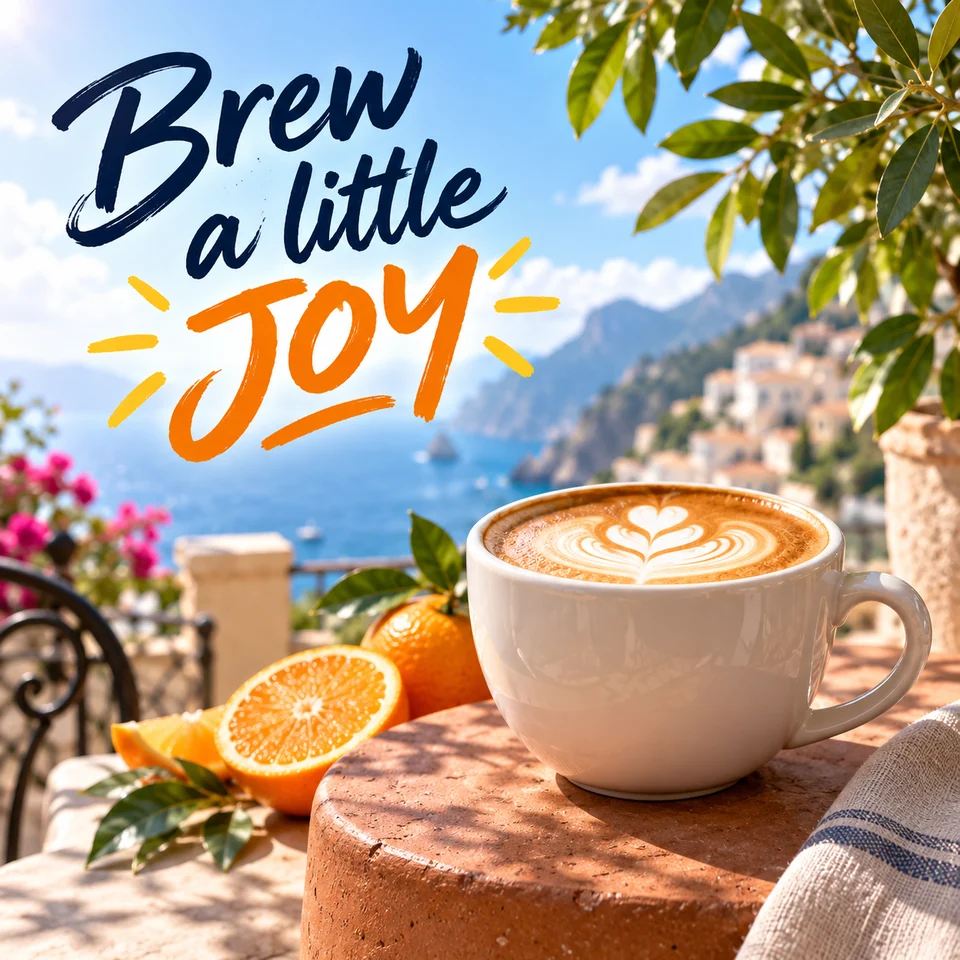
Affiche créative avec un cappuccino sur une terrasse côtière ensoleillée et le texte Brew a little JOY
Un peu d’imagination. Un tout nouveau style.

Créez votre retouche photo

Importez une image, décrivez la modification souhaitée et prévisualisez le résultat retouché par l’IA.

Télécharger une image

Cliquez pour télécharger ou glissez-déposez

Modèle
Format d'image
?
History images only saves one day
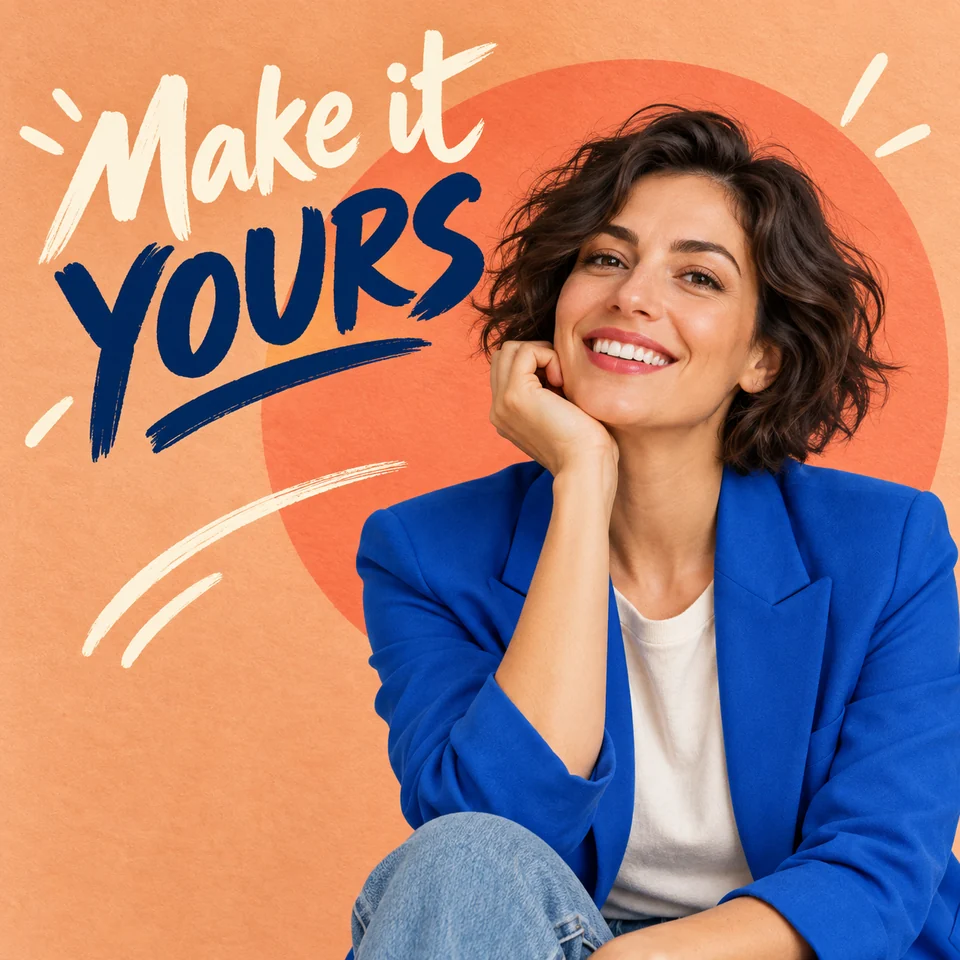
Creative portrait poster of a woman in a cobalt blazer with Make it YOURS lettering

Comment retoucher des photos avec l’IA

Une image, une instruction claire et un examen attentif du résultat.

  1. Ajoutez votre photo

    Cliquez sur la zone d’importation ou faites glisser une photo. Commencez par une image JPG, PNG ou WebP nette que vous avez le droit d’utiliser. L’éditeur traite une seule image importée à la fois.

  2. Décrivez la modification

    Indiquez ce qui doit changer et ce qui doit rester identique. Choisissez Standard ou nano-banana et un format d’image, ou gardez Default pour conserver les dimensions de l’image d’origine.

  3. Générez et vérifiez

    Sélectionnez « Générer ». Les visiteurs devront peut-être effectuer une vérification. Examinez les visages, les textes, les contours et les petits détails, puis précisez votre prompt si nécessaire.

  4. Téléchargez votre image

    Ouvrez le résultat terminé et sélectionnez « Télécharger ». Enregistrez rapidement une copie : les tâches récentes sont conservées un jour dans l’historique de ce navigateur.

An AI image editor that starts with your words

Describe the edit in everyday language. These ideas show how to make your instructions more specific.

These original AI-generated images illustrate creative directions. They are not tests of this editor; your results will vary.

Creative coffee poster with a cappuccino on a sunny coastal terrace and the lettering Brew a little JOY

Give everyday photos a creative twist

Turn a product photo into a colorful campaign concept. Describe a new setting, a mood, and a short headline to bring the whole idea together.

A prompt to try

“Place this cappuccino on a sunny coastal café terrace. Keep the white cup and latte art. Add navy brush lettering “Brew a little” and orange “JOY” in the open sky.”

What to check: Review the lettering, cup shape, and lighting. Keep text clear of the subject and check every word before sharing.

Try this kind of edit
Creative portrait poster of a woman in a cobalt blazer against a peach backdrop with Make it YOURS lettering

Make a portrait feel like a poster

Explore a bold new look with expressive colors, graphic shapes, and handwritten text. Describe the clothing and background while keeping the person at the heart of the image.

A prompt to try

“Style this portrait with a cobalt blazer, a peach background, and a coral circle. Add “Make it YOURS” in expressive brush lettering beside the face. Preserve the person’s facial features.”

What to check: Compare the face, hands, and clothing with the original, then check spelling and make sure the headline leaves the face clear.

Try this kind of edit
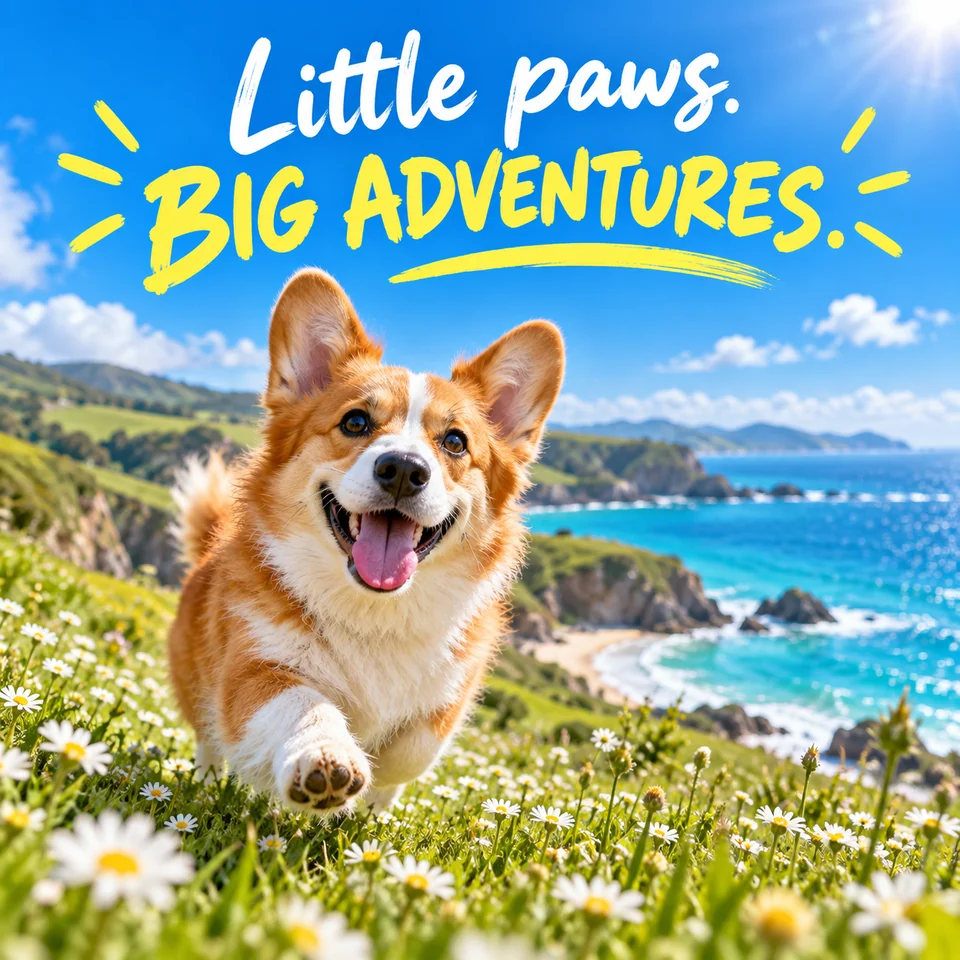
A happy corgi in a coastal daisy meadow beneath the creative headline Little paws. BIG ADVENTURES.

Turn a favorite moment into a story

Give a pet photo a fresh setting and a playful message. Try a sunny destination, a vibrant palette, and a few hand-drawn details for a personal card or social post.

A prompt to try

“Place this corgi in a seaside meadow of daisies under a blue sky. Add white “Little paws.” and yellow “BIG ADVENTURES.” lettering with playful sun rays. Keep the dog’s markings.”

What to check: Check the pet’s markings and proportions, the headline spelling, and how the composition looks at your chosen aspect ratio.

Try this kind of edit

Give your photo editing prompt a clear focus

Tell the model what to change, describe the result, and name the details to preserve. Start with a single edit and compare it with the original before trying another.

A prompt to try

“Replace the background with a plain white studio backdrop. Keep the product label, shape, and color unchanged.”

These are instructions for the model, not a guarantee that every detail will remain unchanged.

Name the subject

“The white coffee cup in the foreground” is more precise than “this.” Mention color, position, or another detail that identifies the subject.

Describe distractions

To request object removal, name the unwanted object and the background that should fill its place. This is prompt-based editing; there is no brush or mask selection.

Review before you publish

For product listings, check labels and materials. For social posts, check the crop. For portraits, compare facial features and ask the person’s permission.

Try AI photo editing for free

Start with a photo and see where your imagination takes it. Open the editor in your browser and try your first idea without signing up.

Free to try
Explore a new look for your photos with a simple prompt.
No sign-up needed
Jump straight into the editor and start creating.

AI photo editor FAQs

Getting started, creative prompts, and making the most of your photos.

Yes. You can try Vizea AI for free. Upload a photo, describe your idea, and start exploring.

Start with a photo. Make one clear change.

Try the online AI photo editor for free, no sign-up needed. Describe your idea, review the details, and download the image you want to keep.