EXPLORE AN EZMAKER ALTERNATIVE

EzMaker AI Photo Editor Alternative

Looking for an EzMaker alternative for your next photo edit? Describe an object edit, change a background or refine the lighting with a text prompt, then review your result in one online workspace.

Try the photo editor ↓

Vizea is an independent alternative to EzMaker AI.

  • Free allowance to try
  • Text-prompt editing
  • Online workspace
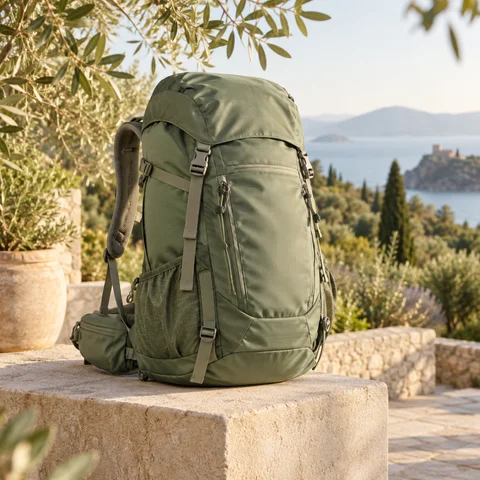
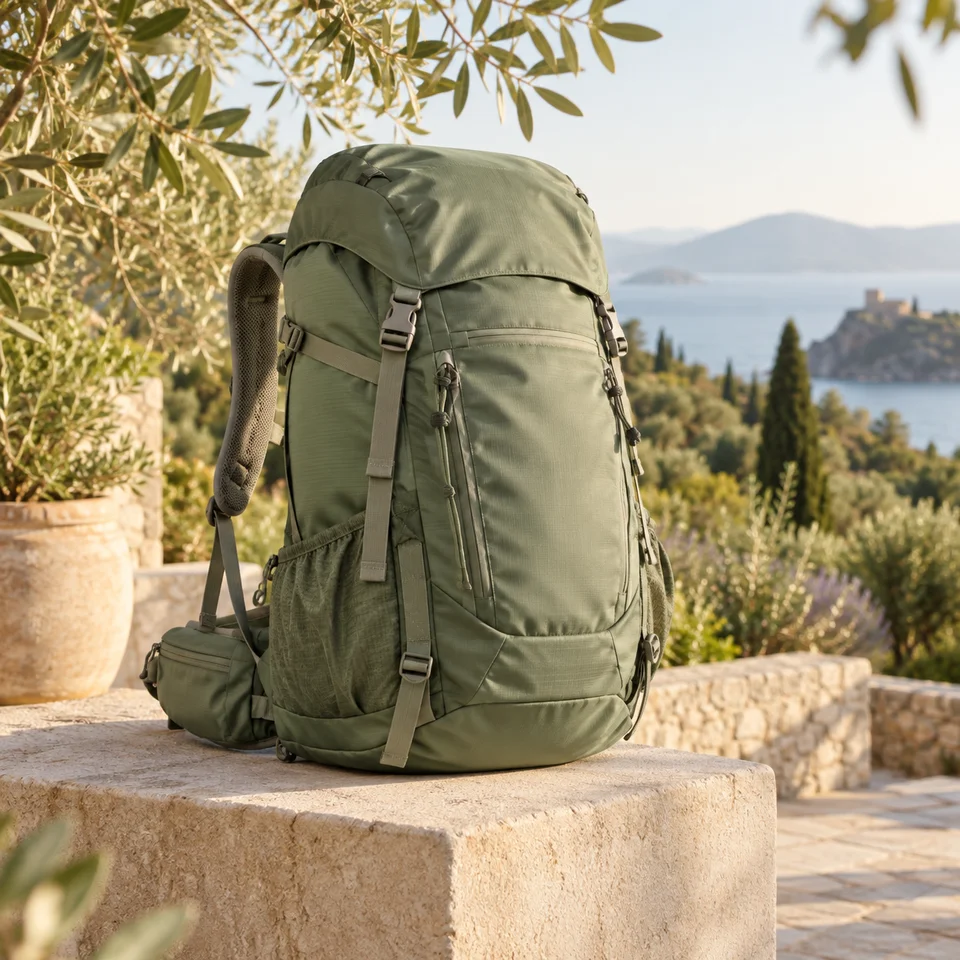
Sage green backpack on sandstone with olive branches and a sunlit coastal garden
One photo. A different creative direction.
Ideas for your next project
  • Online sellers
  • Content creators
  • Designers & marketers

Create your photo edit

Upload an image, describe the change you want, and preview your AI-edited result.

Upload an Image

Click to upload or drag and drop

Model
Aspect Ratio
?
History images only saves one day
Illustrative garden backpack background concept

A DIFFERENT PLACE TO CREATE

What to look for in an EzMaker AI alternative

Start with the task you need to finish. A product backdrop, a portrait update or a new scene can all begin with a clear instruction and one image.

Start with a free allowance

Looking for an EzMaker alternative you can try first? Start with the available free allowance and a single photo. Explore an edit before choosing whether to buy more credits. Model selection affects the cost of each generation.

Keep the workflow in one place

A familiar workflow matters when comparing EzMaker alternatives: upload, write an instruction, select a model and review the result. Everything happens in one workspace, so you can refine an idea without switching between separate editing screens.

Make your choices explicit

Look beyond the first preview when choosing a photo editor. Choose Standard or nano-banana and an output ratio, then compare the subject, lighting and fine details. Clear instructions help you judge whether a result fits your project.

How to use this EzMaker photo editor alternative

From your original photo to an edited version in three steps.

  1. Choose your starting photo

    To try this EzMaker alternative, upload an image or drag it into the workspace. Choose a clear JPG, PNG or WebP photo with a well-lit subject. Start with a reading corner, an outdoor product or a portrait you want to improve.

  2. Describe the change

    If you already write prompts for EzMaker, use that same level of specificity here. Name the change and the details to preserve: move this green backpack into a sunny garden, keeping its straps and fabric unchanged. Select a model and aspect ratio.

  3. Review and download

    Review the result against your original photo and intended edit. Inspect faces, textures and edges, then download a version that suits your project. Adjust one instruction at a time if the scene needs another pass.

FROM SMALL FIXES TO NEW IDEAS

Editing examples for your EzMaker alternative search

Explore object edits, backgrounds and photo enhancement with instructions tailored to your image. The visuals below illustrate creative directions.

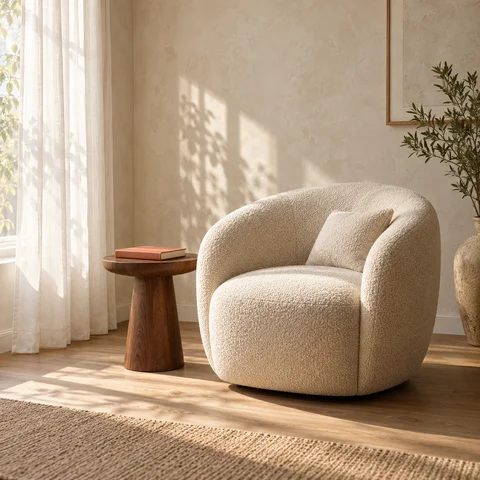
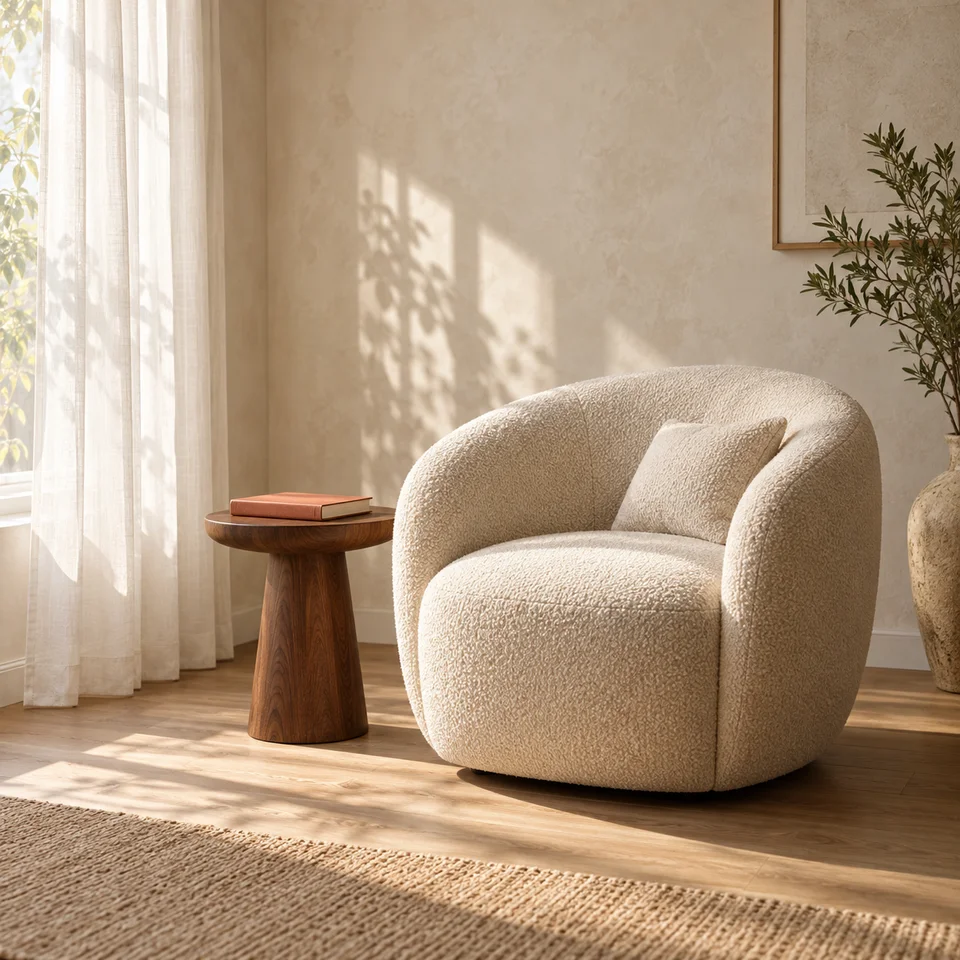
Cream boucle chair and walnut table in an uncluttered sunlit reading corner
Illustrative editing idea

01 / Clean up the scene

Object cleanup for your EzMaker alternative workflow

A tidy reading corner makes a useful test when exploring an EzMaker alternative. Start with a room photo that has a stray cable or a stack of magazines beside the chair. Describe that distraction precisely and ask the editor to continue the floor or wall where it was removed. Keep the main furniture in the instruction so the room still feels familiar.

For an EzMaker-style cleanup task, examine more than the empty space. Check that the oak floorboards continue naturally, the table legs stay straight and the curtain shadows remain coherent. This workspace uses text instructions rather than a brush mask. Make one change first, then decide whether another detail needs attention.

  • Identify one object clearly.
  • Describe the background that should remain.
  • Review nearby edges and repeated patterns.
Prompt to try

“Remove the loose charging cable and magazines from beside the cream armchair. Keep the walnut table, terracotta book and sheer curtain. Continue the oak floor naturally and preserve the window light.”

Try an object edit ↑
Sage green backpack on sandstone with olive branches and a sunlit coastal garden
Illustrative editing idea

02 / Reimagine the setting

Explore an EzMaker alternative for product backgrounds

Product backgrounds are a practical way to compare tools like EzMaker. A plain photograph of a green backpack can become a garden campaign concept when the prompt names the surface, setting and light. Ask for a sandstone plinth, soft olive foliage and morning sunshine, while preserving the fabric color, stitching and straps.

When testing an EzMaker alternative for a product listing, keep the product itself as the reference point. Check zippers, buckles and proportions before publishing. The aspect-ratio controls help you explore a square social image or a vertical campaign composition; they guide a generated result rather than provide a dedicated canvas-expansion tool.

  • Specify the surface and lighting.
  • Ask to preserve the subject’s proportions.
  • Choose the ratio for your intended placement.
Prompt to try

“Place this sage green backpack on a sandstone plinth in a Mediterranean garden. Add softly blurred olive branches and warm morning light. Preserve every strap, zipper, seam and the original fabric color.”

Try a background change ↑
Male ceramic artist in an olive shirt and sand apron under soft studio window light
Illustrative editing idea

03 / Refine the look

Portrait lighting ideas for an EzMaker alternative

For portrait editing, an EzMaker alternative should be evaluated with a face and lighting situation you understand. This example focuses on a ceramic artist in a pottery studio. Describe softer window light, balanced skin tones and a gently blurred shelf of bowls, while asking to keep the expression, curls and apron texture.

If you are exploring EzMaker photo enhancement, distinguish a better-looking image from an exact recovery of missing detail. Generated portraits can change eyes, hair or skin texture, so inspect them carefully.

  • Describe the lighting problem.
  • Ask for a natural level of detail.
  • Inspect the downloaded image at full size.
Prompt to try

“Relight this ceramic artist portrait with soft side-window light. Keep his expression, dark curls, light stubble, olive linen shirt and sand apron. Balance skin tones, retain natural texture and softly blur the pottery shelves.”

Try a photo enhancement ↑

SIX WAYS TO PUT IT TO WORK

Photo editing for the things you create

Find a workflow that fits your project, whether you sell products, share stories or explore visual concepts.

Online sellers

Build a consistent product setting

Comparing EzMaker alternatives for a small shop? Try the backpack example with your own product. Specify a repeatable surface and lighting direction, then inspect seams, colors and proportions on each result.

Try your own photo ↑

Travel creators

Bring attention back to the scene

A travel photo with a small distraction makes a useful editing test. Name the item to remove and preserve the architecture, landscape and time of day in your instruction.

Try your own photo ↑

Designers

Explore a visual direction

Build a mood board while exploring a new visual direction. Use a room photo to test softer light, warmer materials or a quieter atmosphere, then take your preferred direction into the rest of your design work.

Try your own photo ↑

Marketing teams

Draft a campaign image

For a campaign test, start with the garden backpack concept. Match the output ratio to the placement, leave breathing room around the subject and review the product details before preparing the final creative.

Try your own photo ↑

Independent creators

Refresh a profile or post

If you use EzMaker for portrait ideas, try a similarly focused instruction here. The ceramic artist example keeps the subject recognizable while exploring window light and a softer studio background.

Try your own photo ↑

Artists & hobbyists

Turn a photo into a new idea

Explore an EzMaker alternative with a familiar scene and a new mood. Try a warm reading corner, an outdoor product setting or an editorial portrait, changing one instruction at a time.

Try your own photo ↑

HAVE A PHOTO IN MIND?

Give your next image a new direction

Start with one change: a cleaner scene, a different background or softer light. Describe it in the workspace and review what the model creates.

Try your own photo ↑

CHOOSING AN EZMAKER ALTERNATIVE

Photo editing built around your ideas

A useful editing workflow makes it easy to start, explore a direction and decide what works for your project.

Cream boucle chair and walnut table in an uncluttered sunlit reading corner

Express the edit in your own words

A photo editor should let you express a useful idea without a long setup. Name the object, the setting and the change in everyday language. A focused instruction is easier to refine than a long list of unrelated effects.

Sage green backpack on sandstone with olive branches and a sunlit coastal garden

Create for the project in front of you

Use your actual project to compare EzMaker alternatives. A backpack listing, a room feature and an artist profile need different compositions. Select the ratio and lighting for the intended placement, then check the image at that size.

Male ceramic artist in an olive shirt and sand apron under soft studio window light

Try the workflow before buying credits

When choosing an EzMaker alternative, a trial with your own photo is more informative than a feature list. Use the available free allowance, review the result and check credit options before deciding whether to continue.

EzMaker AI alternative: photo editing questions

Find answers about prompts, free usage, downloads and the editing workflow.

This EzMaker alternative page provides Vizea’s photo editor, with its own models and credit rules. You can try object cleanup, background changes and portrait lighting using your own photo and a written instruction.

YOUR NEXT PHOTO STARTS HERE

Turn an editing idea into something you can see

Looking for an EzMaker AI photo editor alternative? Upload your own image to get started. Write a focused prompt, choose your settings and make a new version for your next project.

Start editing your photo ↑
  • Try without sign-up
  • Use your own photo
  • Review and download
Male ceramic artist in an olive shirt and sand apron under soft studio window light